
دستهبندی: لوازم الکترونیکی
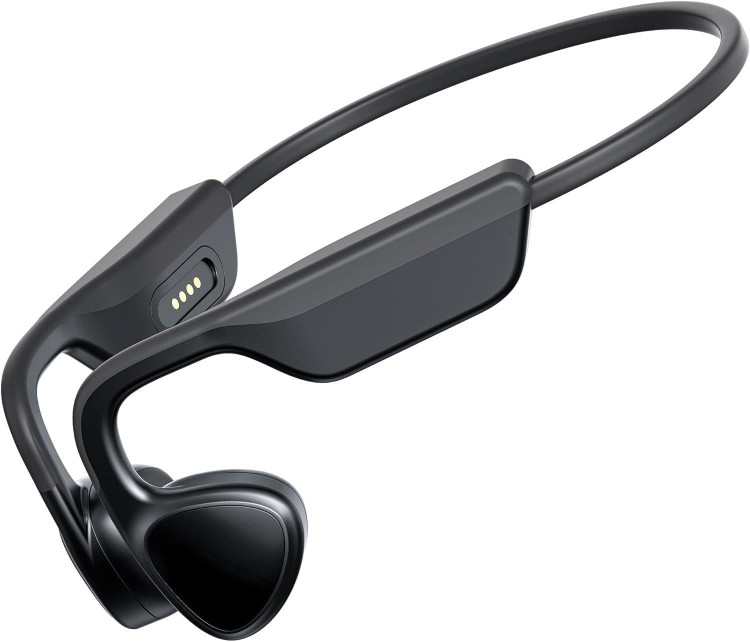
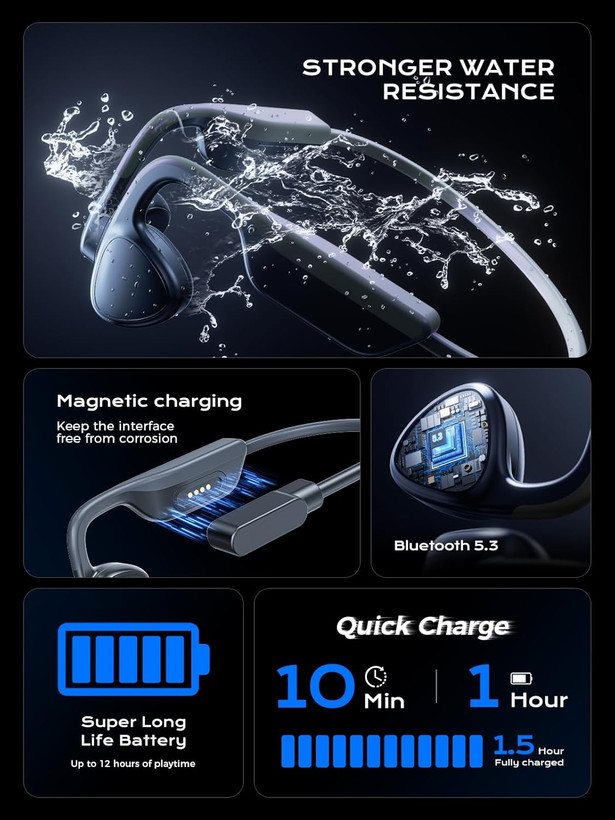
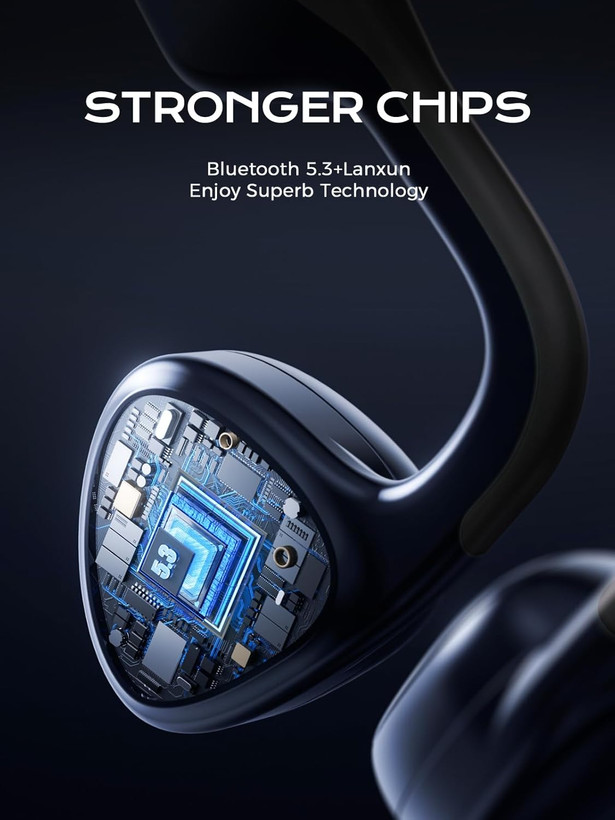




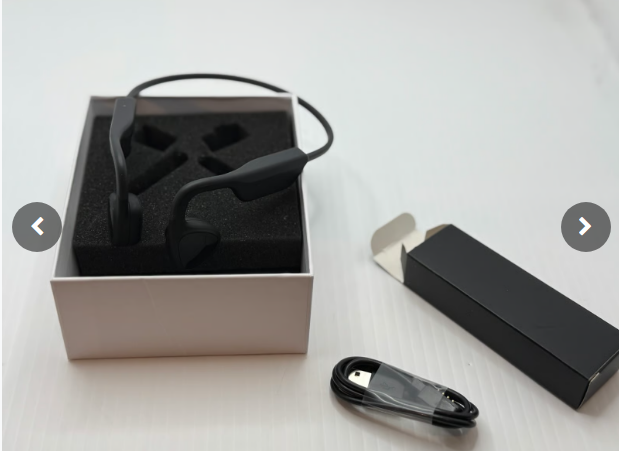
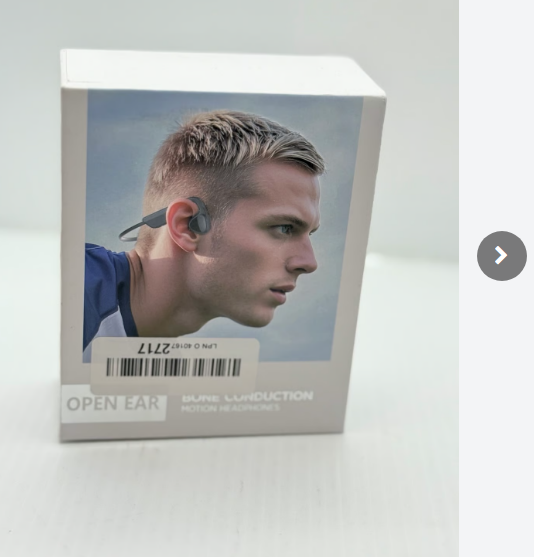
هدفونهای هدایت استخوانی Mozone، مدل X19pro بلوتوث 5.3 بیسیم، هدفونهای ورزشی ضد آب IPX7 با 12 ساعت پخش و شارژ سریع مغناطیسی، تناسب ایمن برای باشگاه، دوچرخهسواری، پیادهروی، دویدن س1
Mozone Bone Conduction Headphones,Open-Ear Bluetooth 5.3 Wireless, IPX7 Waterproof Sport Earphones with 12H Playtime & Magnetic Fast Charge, Secure Fit for Gym,Cycling,Hiking,Running

امکان قسطبندی برحسب اعتبار تربپی
۴ قسط ماهانه. بدون سود، چک و ضامن.
شناسه کالا 1333
توضیحات
هدفون X19 Bone Conduction با انتقال صدا از طریق استخوان گونه، تجربه صوتی بینظیری را ارائه میدهد و گوشهای شما را برای شنیدن صداهای محیط باز نگه میدارد. این هدفونهای بیسیم که برای ورزش و سبک زندگی فعال طراحی شدهاند، دارای اتصال بلوتوث ۵.۳، ضد آب بودن IP67 و طراحی سبک و ارگونومیک برای راحتی و پایداری در استفاده هستند. این دفترچه راهنما دستورالعملهای دقیقی برای راهاندازی، کار و نگهداری از هدفونهای X19 شما ارائه میدهد.
Control Buttons
- Volume Up / Previous Song: Press to increase volume, long press for previous track.
- Volume Down / Next Song: Press to decrease volume, long press for next track.
- On/Off Multi-function Key: Power on/off, play/pause, answer/end calls.

Magnetic Charging Port
The X19 uses a magnetic charging port for convenient and secure charging.

Setup
1. Charging the Earphones
- Connect the magnetic charging cable to the charging port on the X19 earphone.
- Connect the USB end of the cable to a standard USB power adapter (not included) or a computer's USB port.
- The indicator light will show charging status. A full charge takes approximately 2 hours.
- Ensure the earphones are fully charged before first use.
2. Bluetooth Pairing
- Power On: Press and hold the Multi-function Key until you hear a voice prompt and the indicator light flashes (usually blue and red alternately), indicating pairing mode.
- Activate Bluetooth: On your smartphone or other Bluetooth-enabled device, go to the Bluetooth settings and turn on Bluetooth.
- Search for Device: Look for 'X19' in the list of available devices.
- Connect: Select 'X19' to connect. Once connected, you will hear a confirmation voice prompt, and the indicator light will typically show a slow blue flash.
- If prompted for a password, enter '0000'.
Operating Instructions
Power On/Off
- Power On: Press and hold the Multi-function Key for approximately 3 seconds.
- Power Off: Press and hold the Multi-function Key for approximately 5 seconds.
Music Playback
- Play/Pause: Short press the Multi-function Key.
- Next Track: Long press the 'Volume Down' button.
- Previous Track: Long press the 'Volume Up' button.
Volume Control
- Increase Volume: Short press the 'Volume Up' button.
- Decrease Volume: Short press the 'Volume Down' button.
Call Management
- Answer Call: Short press the Multi-function Key when an incoming call rings.
- End Call: Short press the Multi-function Key during a call.
- Reject Call: Long press the Multi-function Key when an incoming call rings.
- Voice Assistant (Siri/Google Assistant): Double-press the Multi-function Key (if supported by your device).
نظرات
دستهبندی: لوازم الکترونیکی